Best Tally Counter App for iPhone
Count Verse Team
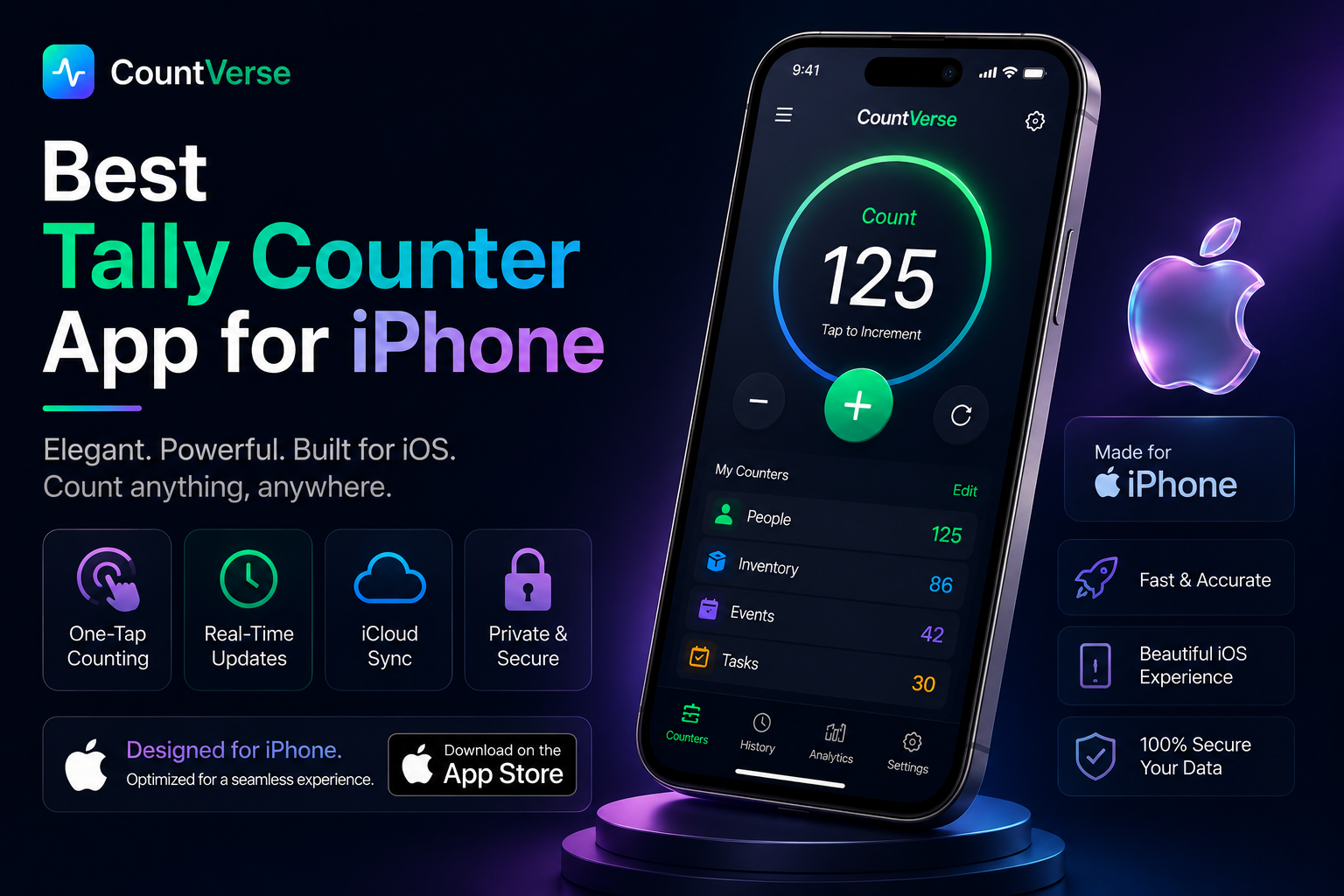
Keeping count of things during daily tasks can sometimes become difficult especially when numbers keep changing again and again. Whether you are tracking workout reps attendance, prayer counts inventory or personal habits using a tally counter app on iPhone makes counting much easier and faster.
Many people prefer tally counter apps because they are simple to use and always available on the phone. Instead of writing numbers manually or trying to remember counts, users can track everything with a quick tap.
In this guide you will learn how tally counter apps work, which features are useful and what makes a good counting app for everyday use.
If you use an iPhone, download our tally counter app for iOS and keep track of attendance, workouts, inventory, and daily counts with ease.
What Is a Tally Counter App?
A tally counter app is a simple tool that helps people count things directly from their phone. Instead of writing numbers on paper or trying to remember counts, users can keep track of everything with quick taps on the screen. These apps are commonly used for daily counting tasks because they are fast, simple and easy to carry anywhere.
How It Works
A tally counter app increases the number every time the user taps the counter button. Most apps also allow users to reset counts, decrease numbers or create more than one counter for different tasks.
Why People Use It
People use tally counter apps because they make counting easier during daily activities. They are useful for workouts, attendance prayer counting, inventory tracking and many other tasks where quick counting is needed.
If you want to start counting immediately, try our free online tally counter and track numbers with a single click.
Common Uses of Tally Counter Apps
Tally counter apps are used in many daily activities where quick counting is needed. Since the app stays on the phone users can keep track of numbers more easily without writing everything manually.
Workout Counting
Many people use tally counter apps during workouts to count reps laps or exercise rounds. This helps them stay focused without trying to remember numbers.
Attendance Tracking
Teachers, event organizers and small teams often use tally counters to track attendance quickly. A single tap can update the count instantly.
Prayer and Habit Counting
Some users use tally counter apps for Tasbeeh prayer counting or tracking daily habits. It makes progress easier to manage throughout the day.
Inventory Counting
Shop owners and workers sometimes use tally counter apps while counting products or checking stock. This helps make large counting tasks more organized.
Android users can explore the best tally counter app for Android to manage counts, track progress, and organize multiple counters on the go.
Features of a Good iPhone Counter App
A good iPhone counter app should make counting quick and simple without creating confusion for the user. Most people prefer apps that are easy to use and help manage counts smoothly during daily tasks.
One-Tap Counting
One-tap counting allows users to increase the number quickly with a single tap. This makes counting faster and easier during workouts, events or other busy activities.
Multiple Counters
Some users need to track different counts at the same time. Multiple counters help keep everything separate and more organized inside the app.
Save and Reset Options
Save and reset features make it easier to manage counts. Users can keep their progress saved and reset the counter whenever they want to start again.
Widget Support
Widget support allows users to access the counter directly from the iPhone home screen without opening the app every time.
How to Use a Tally Counter App on iPhone
Most iPhone tally counter apps are very simple to use so users can start counting without learning complicated settings. Everything can usually be managed with a few quick taps on the screen.
Create a Counter
First create a counter for the task you want to track. Some apps also let users add names or labels to keep different counts organized.
Start Counting
Once the counter is ready you can start counting by tapping the counter button. Every tap increases the number instantly.
Reset or Manage Counts
Most apps also include options to reset counts or manage multiple counters. This helps users keep their counting tasks more organized.
Common Problems With Basic Counter Apps
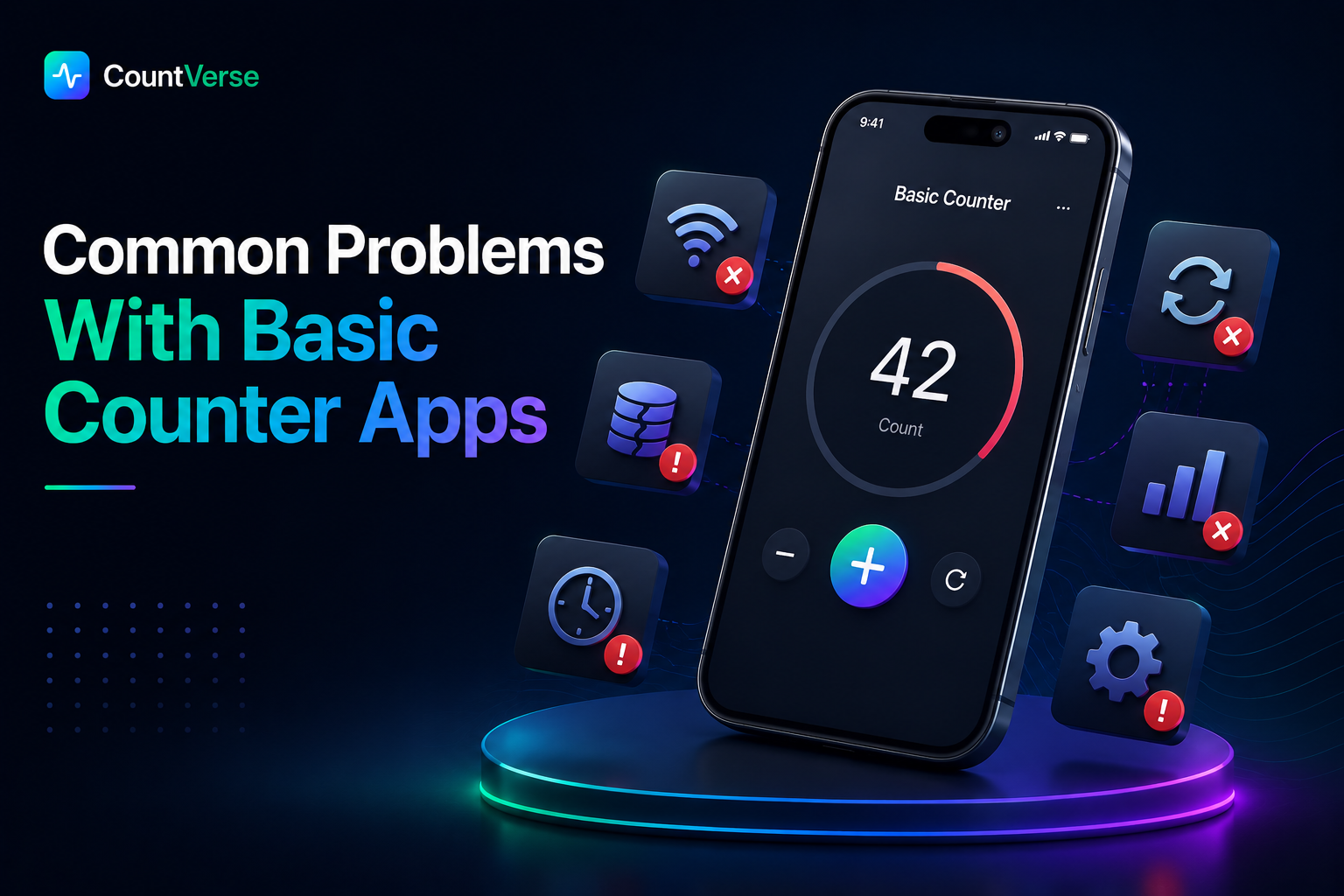
Many counter apps are simple but some basic apps can still create problems during regular use. Users often face issues that make counting slower or less convenient than expected.
Too Many Ads
Some free counter apps show ads again and again while counting. This can interrupt the user and make the app annoying to use during busy tasks.
Limited Features
Basic apps sometimes only support simple counting and do not include useful options like multiple counters save features or better organization tools.
Confusing Interface
Not every counter app is easy to understand. Some apps have too many buttons or messy layouts which can make counting harder for new users.
A Better Way to Count on iPhone
Some counter apps are useful but many of them feel slow, confusing or full of ads after some time. This can make simple counting more difficult than it should be.
Tools like CountVerseApp make counting easier by giving users a simple and clean way to track numbers on iPhone. It helps users count quickly and keep everything more organized during daily activities.
Frequently Asked Questions
H3: How to use an iPhone to count items?
You can count items on the iPhone by using a tally counter app and tapping the counter button each time you want to add a number.
How do I add a counter widget on my iPhone?
You can add a counter widget from the widget settings on your iPhone if the counter app supports widgets.
Why do Muslims use tally counters?
Some Muslims use tally counters for Tasbeeh or prayer counting.
Can I practice Tally on mobile?
Yes, tally counter apps can easily be used on mobile phones.
Does Tally have AI?
Some modern tally apps may include AI features but basic tally counter apps usually focus on simple counting only.
Final Thoughts
A tally counter app can make everyday counting much easier on the iPhone. Whether you are tracking workouts, attendance, habits, prayer counts or inventory a simple counter app helps keep everything organized in one place.
The best apps are easy to use, quick to manage and help users count without confusion. Choosing the right tally counter app can save time and make daily tracking more convenient.